
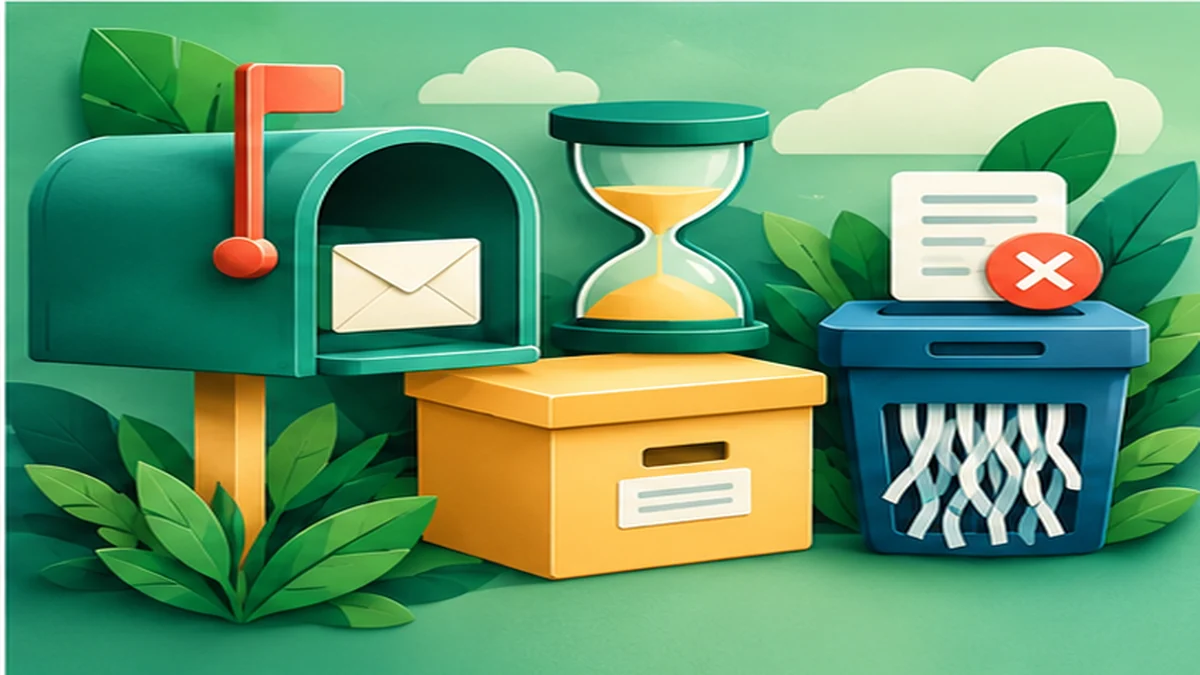
Deleting an email from your screen is not the same as erasing every copy of it. Messages can exist in Sent folders, recipient mailboxes, server backups, local downloads, forwarded copies and provider logs. A realistic retention plan begins by deciding which messages you need and where they may still exist.
Three actions that look similar but are not
| Action | Typical effect | Important limitation |
|---|---|---|
| Archive | Moves a message out of the inbox view | The message generally remains searchable |
| Delete | Moves a message to Trash or Deleted Items | It may remain recoverable for a provider-defined period |
| Expire | Ends a temporary inbox's receiving lifetime | It does not necessarily erase stored messages immediately |
Where copies can remain
When you send a message, the recipient may keep a copy even after you delete yours. If you forwarded a receipt to another account, that forwarded copy has its own retention rules. Downloaded attachments and local mail-client caches can persist on devices. Providers may retain backups or security records on schedules separate from the visible mailbox.
A practical three-bucket system
- Keep: contracts, tax records, purchase receipts and other documents you are legally or practically required to retain. Store them securely and use the retention period relevant to your circumstances.
- Review: newsletters, routine notifications and old sign-in messages. Set a recurring time to remove what you no longer need.
- Short-term: one-time, non-sensitive verification messages or disposable signups. Use an expiring inbox only if future access is genuinely unnecessary.
Temporary inbox expiry is not instant deletion
On TempEmail.info, the displayed expiry controls when an inbox stops accepting new mail. Cleanup of stored records may happen later. This is why the site should not be treated as a confidential file-transfer service or a guarantee of immediate erasure. The privacy notice describes the site's stated handling of retained inbox data.
Before deleting an important account
Export anything you have a right and need to retain, update the recovery addresses on connected services, cancel subscriptions separately, and check for active forwarding rules. Deleting the email address used for a subscription does not cancel the subscription or the payment obligation.
Make deletion requests realistic
If you need to ask a provider to delete personal data, use its official privacy channel and be prepared to verify account ownership. The provider may have legal, security or operational reasons to retain limited information. Avoid promising yourself that one button can erase copies held by other recipients.
A simple retention calendar
Once a month, review promotional mail and downloaded attachments. Once a quarter, check old accounts and forwarding destinations. Once a year, verify the retention requirements for records you must keep. This is a personal organization routine, not a universal legal retention schedule; requirements vary by country and document type. If a provider offers an export, check that the export is readable before removing the original account.
Related reading: public versus private temporary inboxes and when not to use temporary mail.