
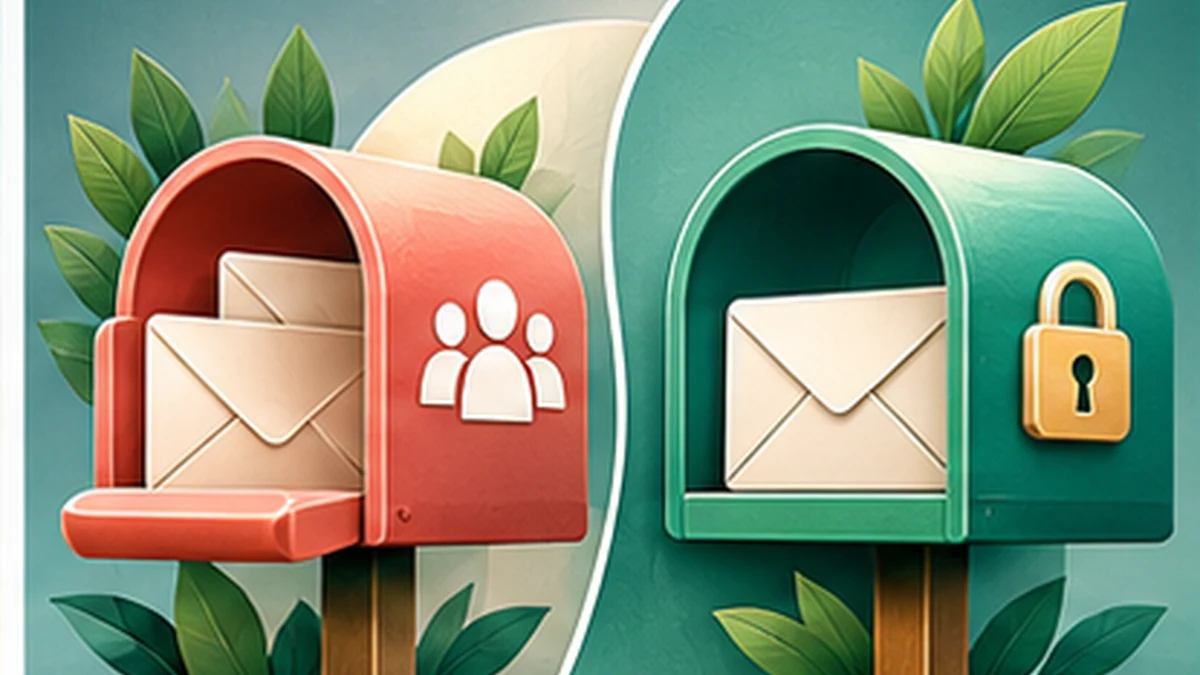
Understand mailbox visibility and choose the safer option. This guide explains the practical trade-offs so you can choose a method that fits the importance of your messages.
Why this matters
Some disposable inbox services let anyone who knows an address view incoming messages. Others require a session, password, or secret share link. The privacy model is not always obvious from the homepage.
What to consider
Even a private temporary inbox may be less durable than a regular account. Expiry, session loss, and provider restrictions can prevent future access.
How to make a safer choice
Before using a service, check whether messages are public, how long they are retained, and whether someone else could guess or reuse an address. Never assume a random-looking address is equivalent to encryption.
Practical checklist
Read the service's privacy notice; avoid personal and financial messages; keep recovery communications in a permanent private mailbox.
What to do next
Start with one small improvement rather than changing every address at once. For an account you plan to keep, use a dependable private mailbox with recovery options. For a short-lived, non-sensitive test, you can consider a temporary inbox after checking its availability and expiry rules. Learn more in our temporary email basics guide and spam reduction guide.
Reminder: Do not use a disposable mailbox for banking, health records, legal documents, or long-term account recovery.