
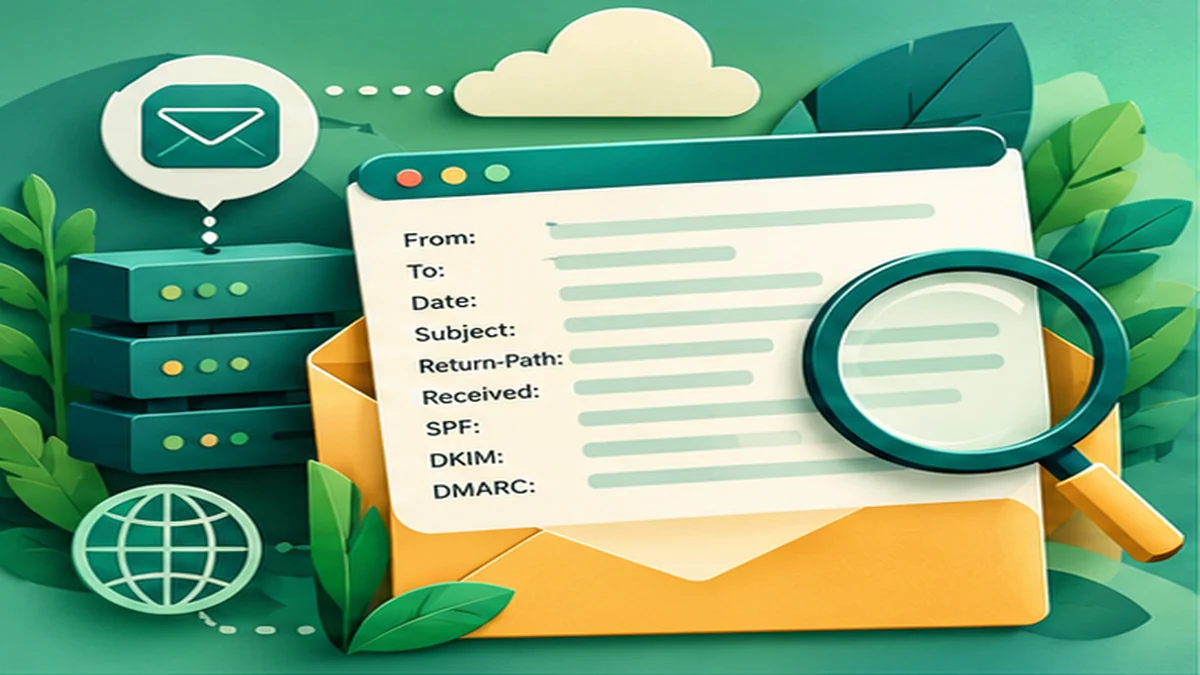
An email header is a record of how a message was packaged and handled. It is useful when a suspicious message looks as though it came from a familiar organization, or when you need to understand why delivery was delayed. You do not need to be a network engineer to read the few fields that matter most.
Start with the question you are trying to answer
If you want to know who a message claims to be from, read the visible From field. If you want to know which systems processed it, examine Received entries. If you want to know whether the sender domain passed authentication checks, look for Authentication-Results. These are different questions; no single header answers all three.
A worked example with fictional addresses
Imagine a message that displays Delivery Support <alerts@parcel-example.test>. The subject says your delivery failed. In the full header you might find:
From: Delivery Support <alerts@parcel-example.test>
Return-Path: <bounce@mailer-example.test>
Authentication-Results: mx.receiver.test;
  spf=pass smtp.mailfrom=mailer-example.test;
  dkim=pass header.d=mailer-example.test;
  dmarc=fail header.from=parcel-example.test
Received: from relay.mailer-example.test ...
This invented example shows why a green-looking “SPF pass” is not the whole story. SPF authenticated a different envelope domain, while DMARC failed to align that result with the visible From domain. That discrepancy deserves caution, but it still does not tell you by itself whether a particular message is malicious.

Six fields worth recognizing
| Field | What it tells you | Common mistake |
|---|---|---|
| From | Displayed author address | Assuming the display name proves identity |
| Reply-To | Where replies may go | Ignoring an unexpected reply destination |
| Return-Path | Envelope return address after delivery | Assuming it must match From |
| Received | Mail-transfer hops | Reading the list in the wrong direction |
| Authentication-Results | Receiving server's reported checks | Treating a pass as proof of trustworthiness |
| Message-ID | Message identifier | Assuming it guarantees authenticity |
Read the Received chain carefully
Each receiving mail server can add a Received line near the top of the header. The newest entry is usually first, so trace backward from the recipient's trusted provider rather than trusting every older line. A malicious sender can forge text in portions of a header that originate before the message reaches a trusted server.
Where to find the original header
In Gmail on the web, open a message's More menu and look for Show original. In Outlook, the exact route depends on whether you use the new Outlook, classic Outlook, or webmail; look for message details, view source, or internet headers. Interface labels can change. Never paste a complete real header into a public forum without removing addresses, identifiers, and other personal information.
What to do after inspecting it
- Compare the From domain with the organization's known official domain.
- Check whether Reply-To points somewhere unexpected.
- Read authentication results as clues, not a verdict.
- Open the organization's site from your own bookmark instead of following the email's urgent link.
- Report suspicious messages using your mail provider's phishing control.
For the underlying message format, see RFC 5322. For the authentication concepts, start with our SPF, DKIM and DMARC explanation.