
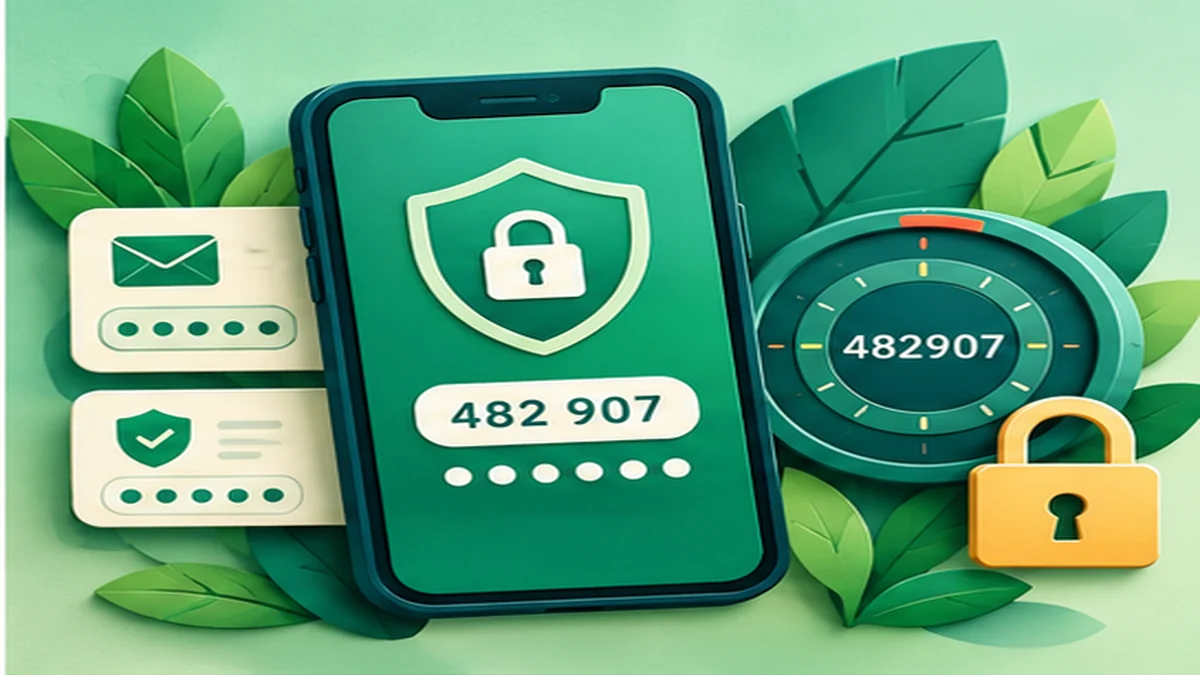
Not every “two-step verification” method protects an account in the same way. A code sent to your email, a rotating number in an authenticator app, and a passkey each have different failure points. Understanding those differences helps you choose a setup that you can actually recover.
Start with the three methods
Email verification code: a service sends a short-lived number or link to an address you can access. Authenticator app: an app generates a time-based one-time password, usually changing every 30 seconds, after you enroll the account. Passkey: a cryptographic credential tied to your device or credential manager, typically unlocked with a screen lock or biometric check. Some services offer all three; others offer only one or two.
Compare the risks
| Method | Strength | Watch out for |
|---|---|---|
| Email code | Familiar; no extra app | Compromised mailbox can expose the code |
| Authenticator app | Code is not delivered through email | Codes can still be phished; device loss needs a recovery plan |
| Passkey | Designed to resist lookalike-site phishing | Requires supported services and a reliable device or sync/recovery setup |
A common real-world mistake
Suppose your primary mailbox is protected only by a password. A shopping account sends its login code to that mailbox. If someone takes over the mailbox, they may be able to receive the shopping code too. Adding a separate authenticator or passkey to the mailbox itself can improve the situation. The first account to protect is often your main email account, because it serves as the recovery channel for others.
Set up a recovery path before you need it
- Enable the strongest method the service supports, preferably a passkey or phishing-resistant option for high-value accounts.
- Save recovery codes in a secure place separate from the device used for sign-in.
- Add a second trusted method if the provider permits it.
- Review recovery email addresses and phone numbers periodically.
- When replacing a phone, verify your new authenticator works before wiping the old device.
What if a code arrives that you did not request?
Do not forward it, read it to a caller, or enter it into a link from a message. Someone may have typed your address by mistake, or may be attempting access. Visit the service directly, inspect recent sign-ins, and change credentials if you see other signs of compromise. A single unsolicited code does not prove an account has been breached.
Why disposable mail is a poor recovery method
Some accounts send new verification codes weeks after registration. If the original temporary address has expired, you may be unable to complete that challenge. Use a stable address for accounts you intend to keep, and see our permanent recovery email guide. For standards-based background, read the NIST digital identity authentication guidance.