
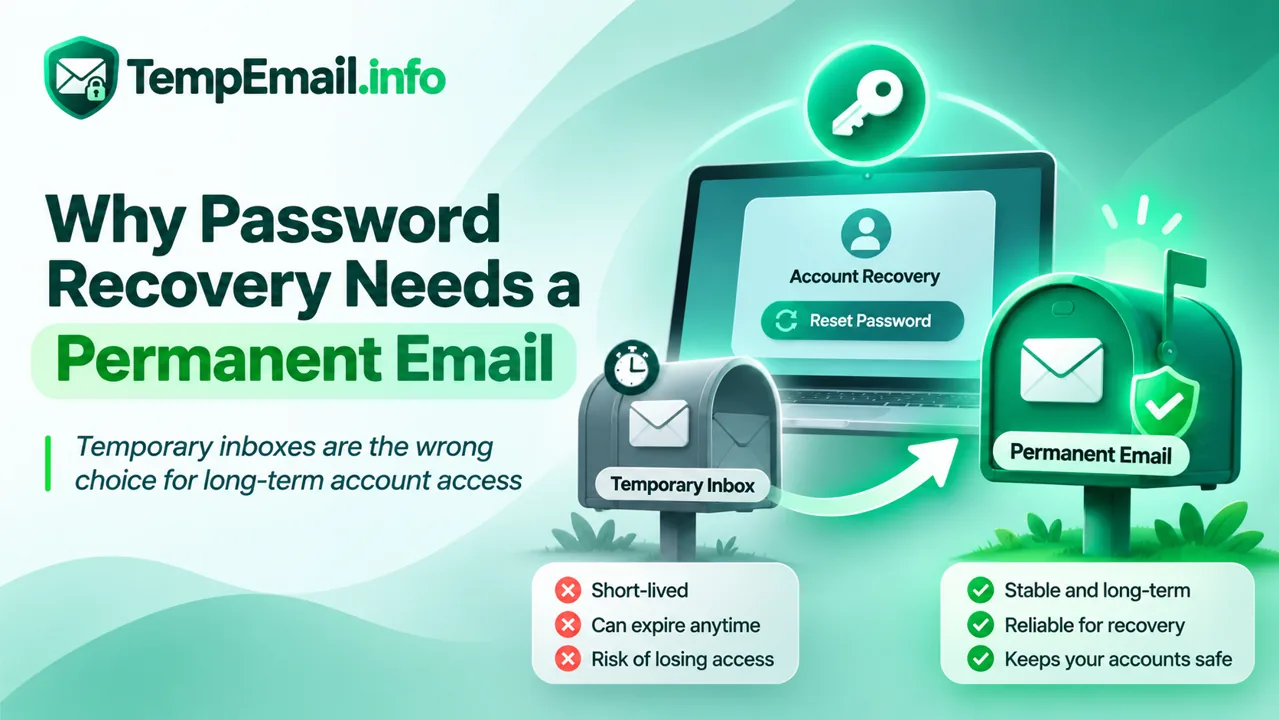
Keep recovery messages private, reliable, and easy to verify. This guide explains the practical trade-offs so you can choose a method that fits the importance of your messages.
Why this matters
Password-reset links are security-sensitive because anyone who can use a valid link may gain access to an account. The email address receiving them deserves stronger protection than a throwaway inbox.
What to consider
Use a unique password manager-generated password and enable multifactor authentication. Keep recovery codes somewhere secure outside your email account.
How to make a safer choice
If a reset message arrives unexpectedly, do not click immediately. Open the account directly and review recent activity, active sessions, and recovery settings.
Practical checklist
Use a permanent private recovery address; verify that backup methods still work; revoke unknown sessions; never share reset links or codes.
What to do next
Start with one small improvement rather than changing every address at once. For an account you plan to keep, use a dependable private mailbox with recovery options. For a short-lived, non-sensitive test, you can consider a temporary inbox after checking its availability and expiry rules. Learn more in our temporary email basics guide and spam reduction guide.
Reminder: Do not use a disposable mailbox for banking, health records, legal documents, or long-term account recovery.