
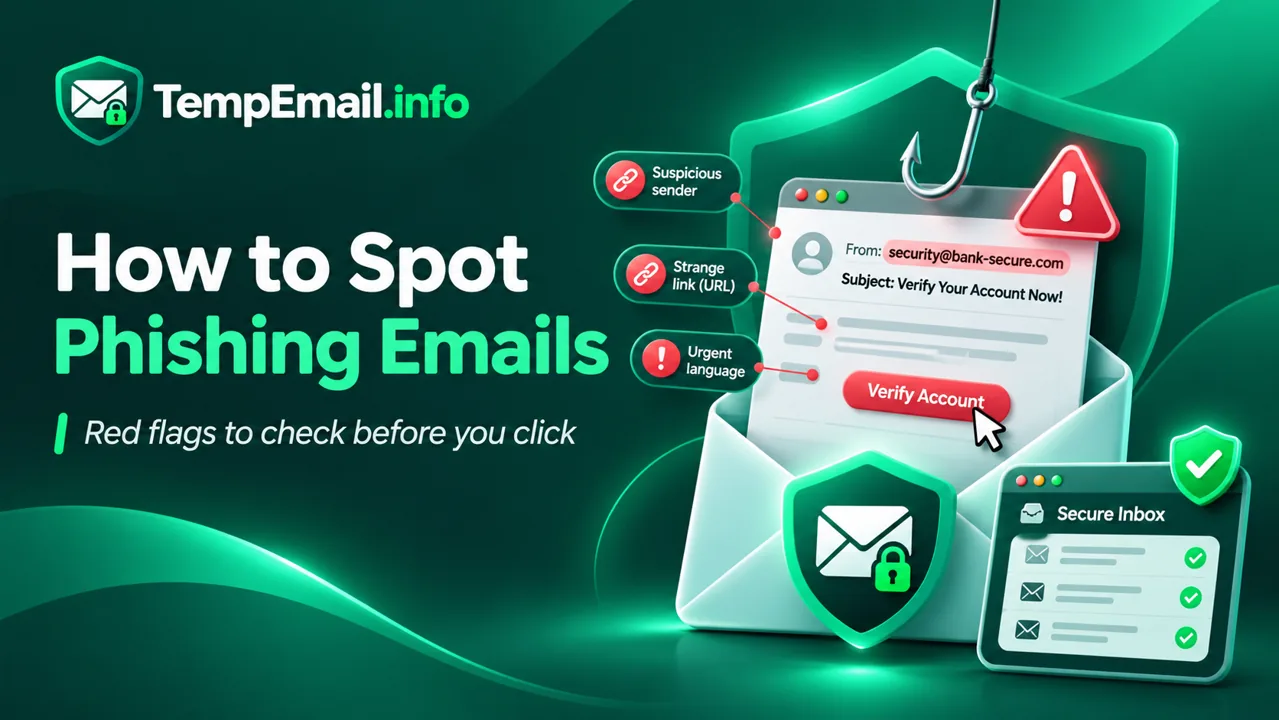
Learn the warning signs of fraudulent email without relying on a single clue. This guide explains the practical trade-offs so you can choose a method that fits the importance of your messages.
Why this matters
Phishing messages often create urgency: a suspended account, unexpected invoice, or delivery problem. Their aim is to make you click before checking whether the request makes sense.
What to consider
Inspect the sender's actual address, not just the display name. A familiar logo is not proof of authenticity, and a professional-looking email can still be fraudulent.
How to make a safer choice
Instead of using a link in a suspicious email, open the service through a bookmark or its known website. Never share verification codes or recovery phrases with someone who contacted you unexpectedly.
Practical checklist
Pause before acting; verify through an independent channel; report the message to your provider; change credentials only through the official service if you entered them on a suspicious page.
What to do next
Start with one small improvement rather than changing every address at once. For an account you plan to keep, use a dependable private mailbox with recovery options. For a short-lived, non-sensitive test, you can consider a temporary inbox after checking its availability and expiry rules. Learn more in our temporary email basics guide and spam reduction guide.
Reminder: Do not use a disposable mailbox for banking, health records, legal documents, or long-term account recovery.