
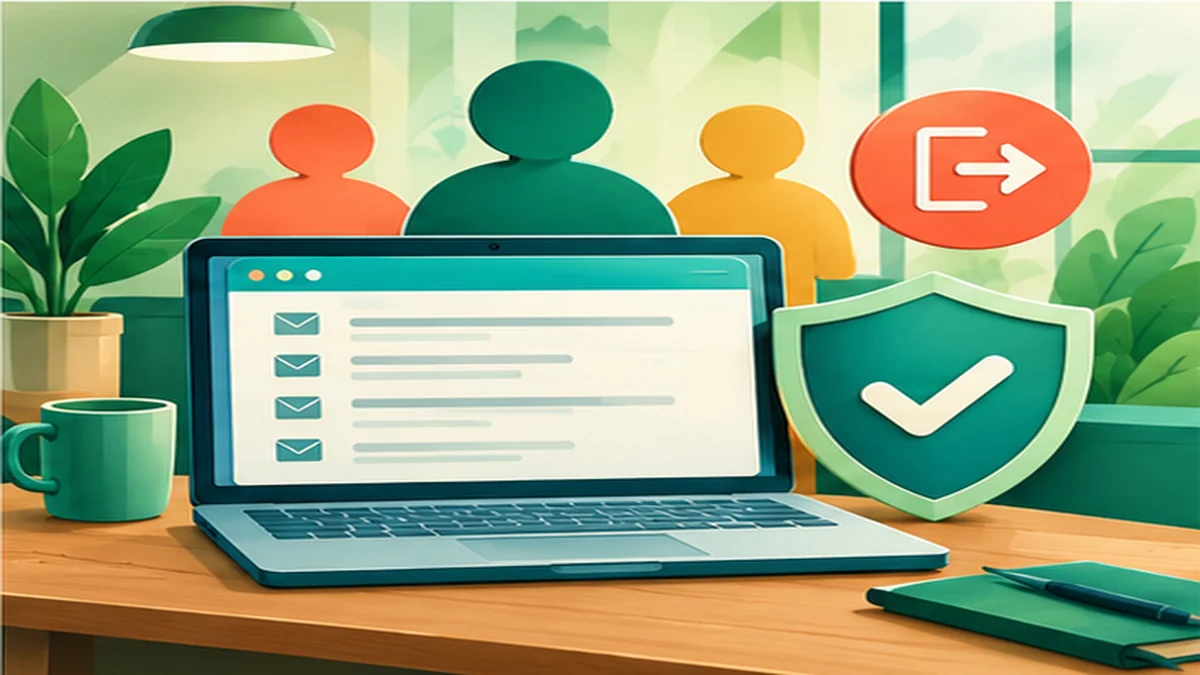
A shared computer introduces a risk that a private laptop usually does not: the next person may use the same browser profile, see saved downloads, or inherit a session that was never properly closed. A private browsing window helps reduce local history, but it is not a security boundary against an untrusted machine.
Before signing in
Prefer your own trusted phone or computer for banking, sensitive documents and account recovery. If you must use a shared workstation, check that the browser is up to date, the address bar shows the official website, and the computer does not display unusual extensions or security warnings. Do not install software or accept prompts asking you to disable browser protections.
While you are using email
- Do not choose “Remember me,” “Keep me signed in,” or save the password in the browser.
- Avoid downloading sensitive attachments. If downloading is unavoidable, use a trusted device instead where possible.
- Never paste backup codes or password-manager recovery keys into shared notes or documents.
- Be aware of people who can see your screen or keyboard.
- Do not assume a browser's Incognito or Private mode protects against malware on the computer.
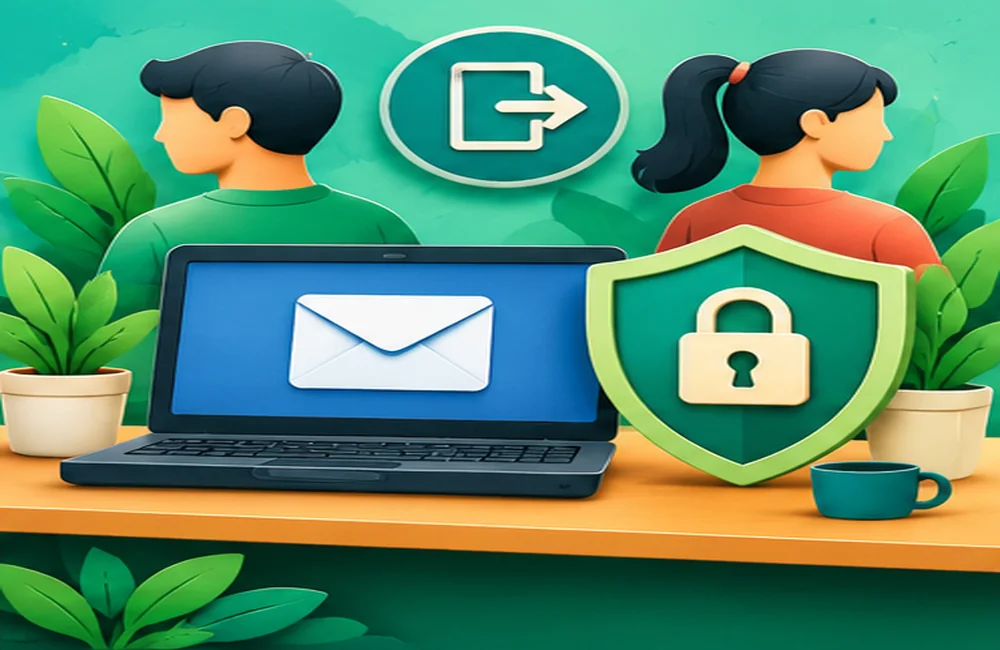
The five-minute exit routine
- Sign out from the email service using its account menu.
- Close all tabs containing messages, attachments or login pages.
- Delete any files you downloaded to the shared machine, including from the Downloads folder and trash where permitted.
- Close the browser window, especially if it is a temporary or guest profile.
- From a trusted device later, review the account's recent activity and sessions if anything felt unusual.
What if you forgot to sign out?
Use a trusted device to find the mail provider's security or device-management page. Many providers let you end sessions remotely, although it may take time for all sessions to expire. Change your password if you suspect another person gained access, and review forwarding rules, recovery settings and connected apps. A remote sign-out is valuable but should not be treated as proof that nothing was copied while the session was active.
A classroom or workplace example
Suppose three people share a training-room PC. The first signs into webmail, opens an attachment, and closes only the tab. The second person opens the browser and may still find a download in the local folder, even if the email session has ended. That is why the exit checklist includes both account sign-out and local file cleanup.
When temporary email helps—and when it does not
A disposable address may reduce the amount of future mail sent to your primary account, but it cannot secure an untrusted computer. A temporary inbox displayed in a shared browser can also be read by whoever has that session. For more general guidance, see our email privacy checkup.