
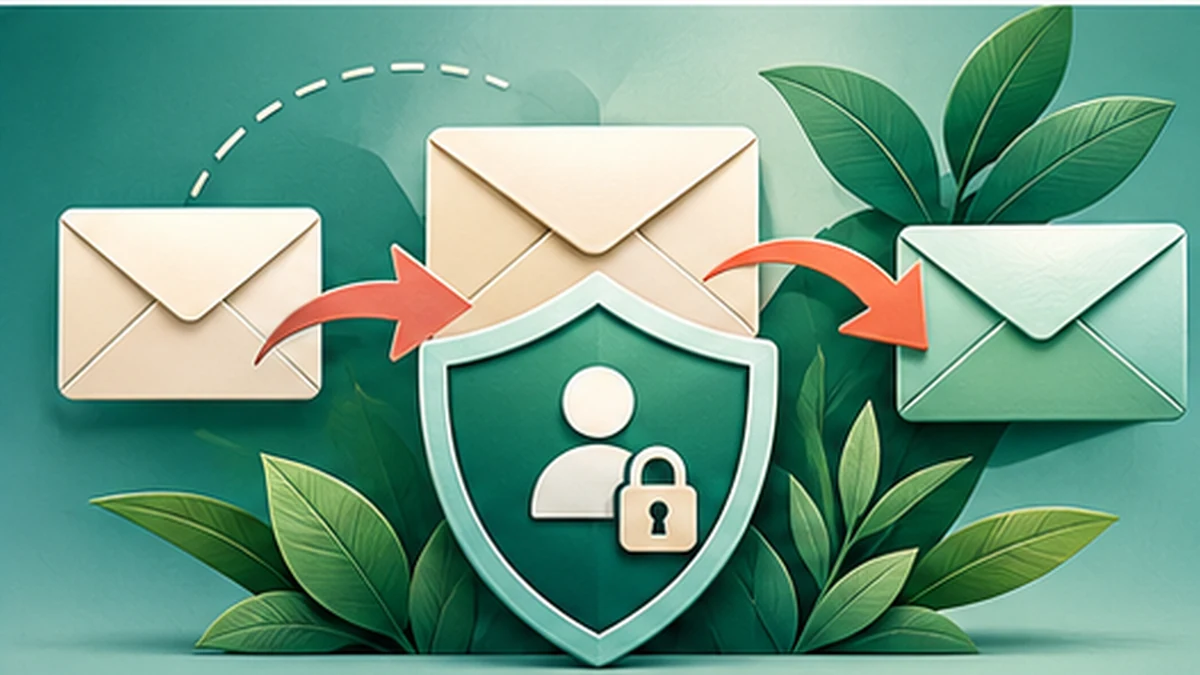
Learn what forwarding changes about message access and reliability. This guide explains the practical trade-offs so you can choose a method that fits the importance of your messages.
Why this matters
Forwarding lets one address deliver mail into another inbox. It can simplify organization, but it also creates an additional route where messages and metadata may be processed.
What to consider
Some forwarded messages fail authentication checks because the forwarding service changes the delivery path. Modern providers may use techniques such as ARC or sender rewriting to improve compatibility.
How to make a safer choice
Forwarding is not encryption. The destination mailbox still needs strong access controls, and a compromised forwarding rule can silently expose messages.
Practical checklist
Review forwarding destinations; remove obsolete rules; enable multifactor authentication; send a harmless test message after any forwarding change.
What to do next
Start with one small improvement rather than changing every address at once. For an account you plan to keep, use a dependable private mailbox with recovery options. For a short-lived, non-sensitive test, you can consider a temporary inbox after checking its availability and expiry rules. Learn more in our temporary email basics guide and spam reduction guide.
Reminder: Do not use a disposable mailbox for banking, health records, legal documents, or long-term account recovery.