
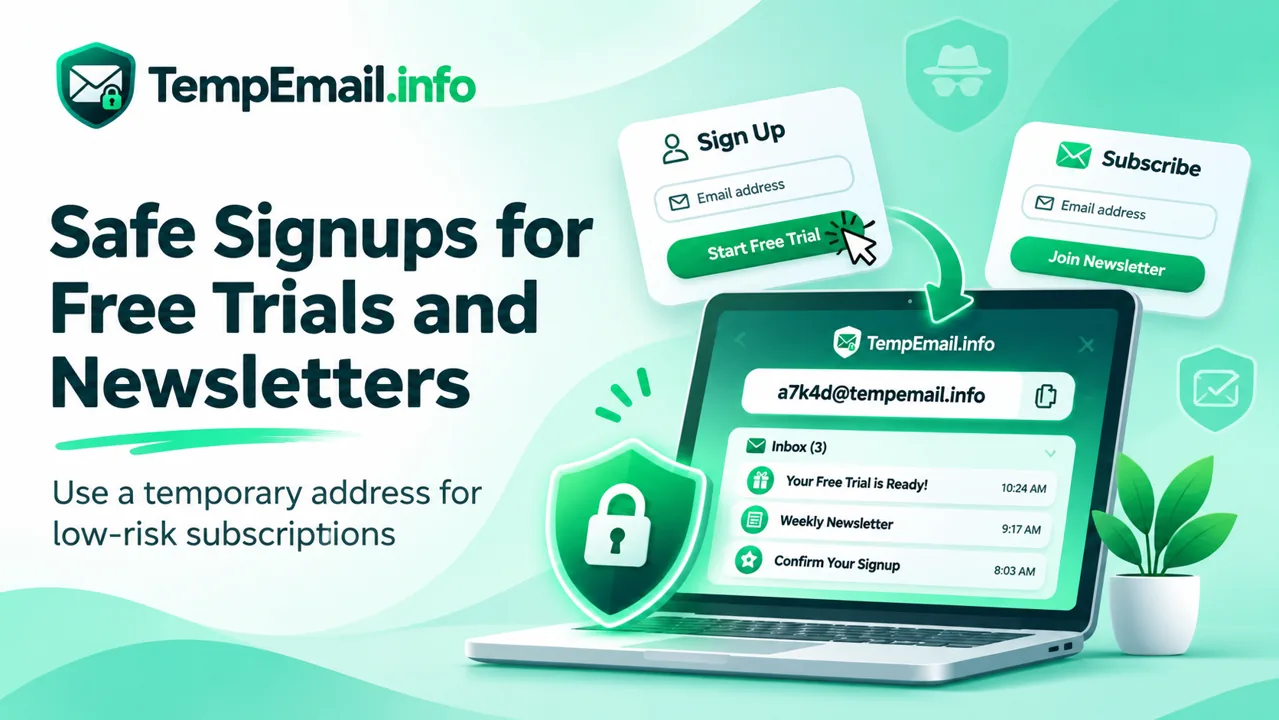
Keep useful reading separate from everyday messages. This guide explains the practical trade-offs so you can choose a method that fits the importance of your messages.
Why this matters
Newsletters are easiest to enjoy when they do not compete with receipts, security alerts, and messages from people you know. A separate address or provider alias creates that separation.
What to consider
Use folders or labels for subscriptions you want to read later. Filters should match trusted sender addresses rather than broad words such as 'offer,' which may catch important notices.
How to make a safer choice
Use legitimate unsubscribe links in messages from organizations you recognize. For obvious spam, marking the message as spam is often safer than clicking links to confirm your address.
Practical checklist
Choose a reading schedule; unsubscribe from publications you never open; archive older issues; move newsletters you genuinely value to a long-lived address.
What to do next
Start with one small improvement rather than changing every address at once. For an account you plan to keep, use a dependable private mailbox with recovery options. For a short-lived, non-sensitive test, you can consider a temporary inbox after checking its availability and expiry rules. Learn more in our temporary email basics guide and spam reduction guide.
Reminder: Do not use a disposable mailbox for banking, health records, legal documents, or long-term account recovery.